Mac BorderTool Pro

My new favourite tool!

When you’ve finished refining an image and it looks just right, the next instinct is often to share it online, whether on social media or your website. I’ve always liked the clean look of a simple border to help accent the image — a black border for lighter photos, or a white border for darker ones — a subtle touch that helps the picture stand out from the surrounding page.

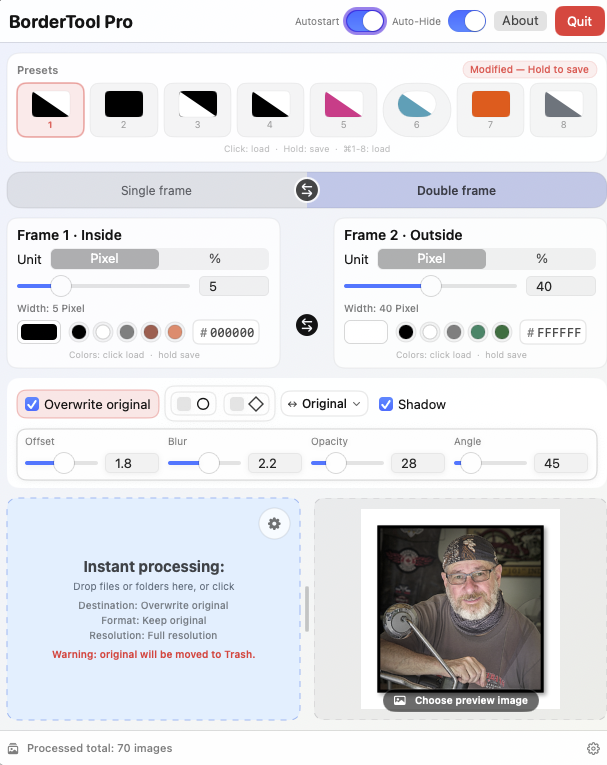
I’ve been using Michael’s border tool for quite some time. You could simply drag an image onto an icon that applied a set pixel amount of border in either black or white—quick and effortless. You could even drag the image onto a different icon to add a second border for a layered look. Beautiful and convenient.

Quite recently, Michael has significantly updated the application with a sleek, professional user interface and added flexible options to create Single or Double borders in any colour, along with choices for rounded corners, shadows, and other stylistic tweaks. You can preview the image before accepting the changes, or simply drag an entire folder of images in for instant, batch processing.

I’ve added Mac BorderTool Pro to my CAPTURE ONE export so the selected border design is applied automatically during export — no dragging and dropping required. It’s a real time saver that streamlines my workflow beautifully and keeps my files consistent. It also integrates with LIGHTROOM, so I can use the same borders across different editing platforms.

Michael is based out of Germany, but speaks and writes English extremely well, so support is no problem and he’s very responsive to questions. Best of all, it’s a one-time purchase — very reasonably priced — I’d even say cheap, but not in a low-quality way; this is a truly professional-grade application.

You can check out BorderTool Pro on his website at https://www.pixelcatcher.de/en/produkt/mac-bordertool-pro/
Be sure to switch to English unless you can read German.
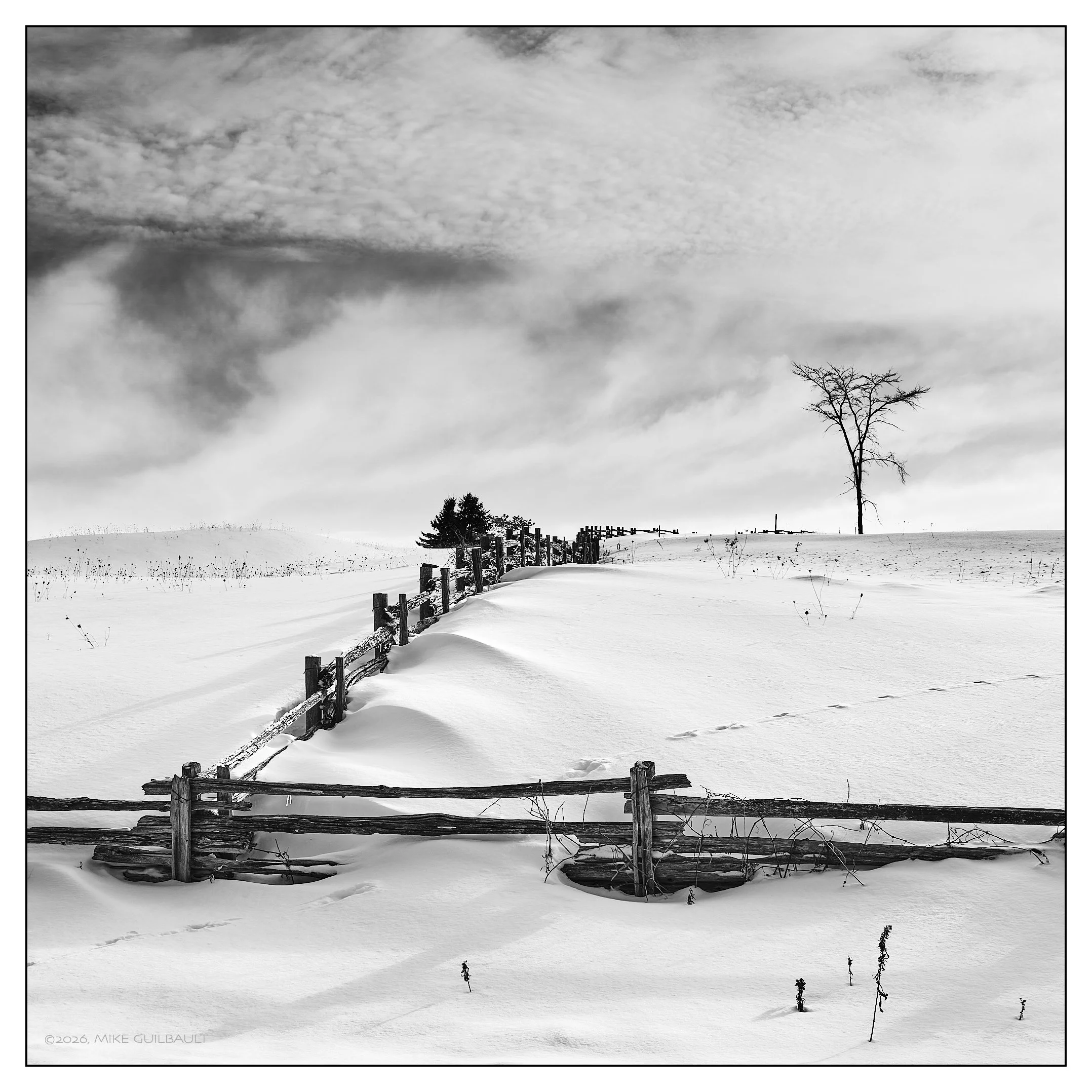
Coyote Crossing

Two things that I’ve always loved in photography: Black and White, and the square composition. I began in B&W because colour film and processing were costly, and I could more affordably develop my own black-and-white work at home. Later, while shooting with Hasselblad cameras in the ’90s, I fell deeply in love with the square format and its unique way of balancing subjects and negative space. This particular photograph was made with the Fujifilm GFX100RF, a medium-format digital camera that offers the convenient and distinctive option to select film formats and aspect ratios directly in-camera.

Coyote Crossing

For this image, I used the square format and selected the Acros film simulation, a fine-grained, high-resolution black-and-white film, paired with the Red filter option to boost contrast and deepen the blues, particularly in the sky. The image was then further refined in Capture One Pro to fine-tune the overall contrast and gently lift the shadow details for improved tonal balance.

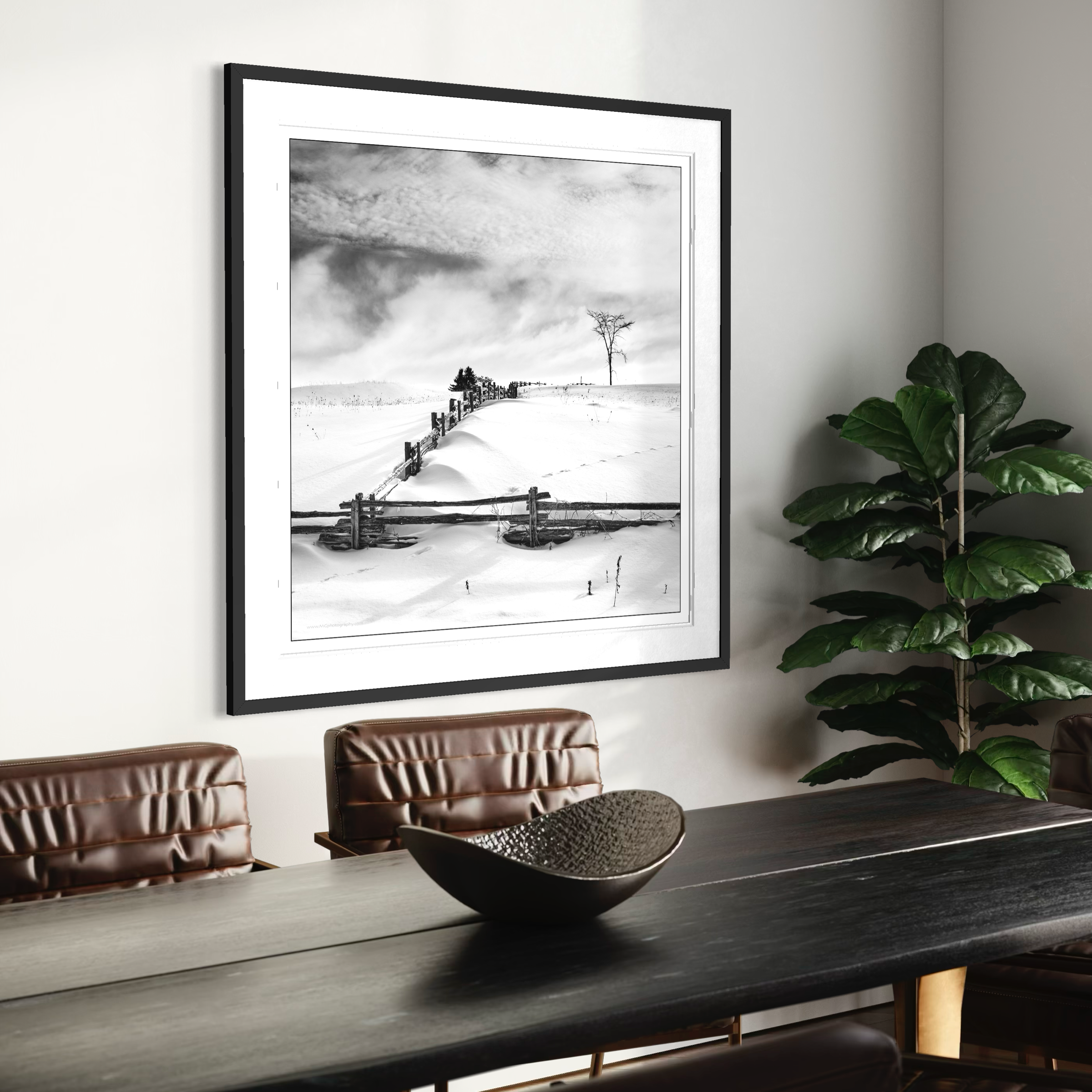
The image below is an example of how this photograph appears when framed and hung on a wall. The photo shown measures approximately 16 x 16 inches and would be printed on Fine Art Matte, Legacy Etching paper—an archival paper with an estimated fade resistance of 400+ years when professionally framed under glass.

Artists & Artisans: Donald Pettit

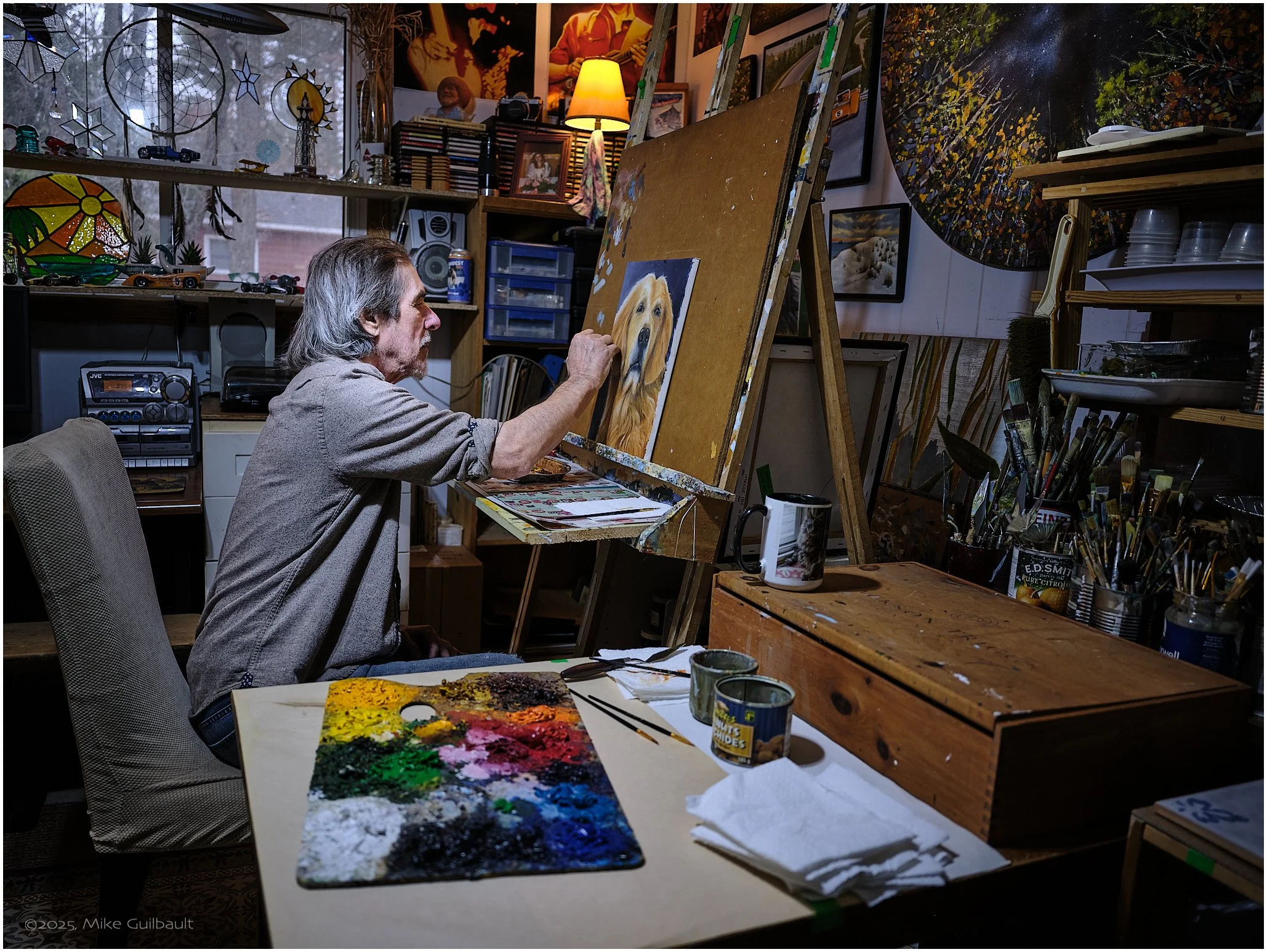
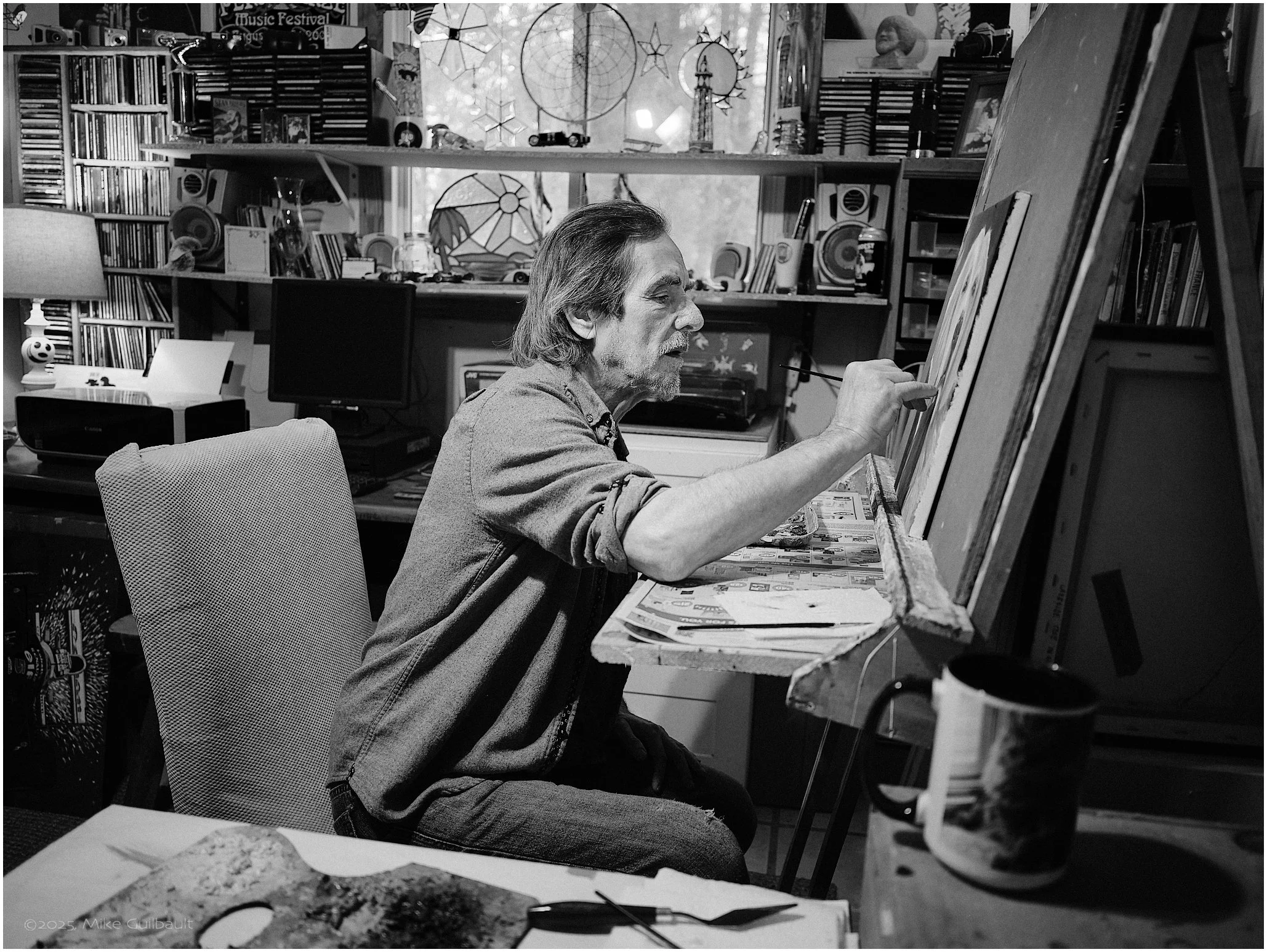
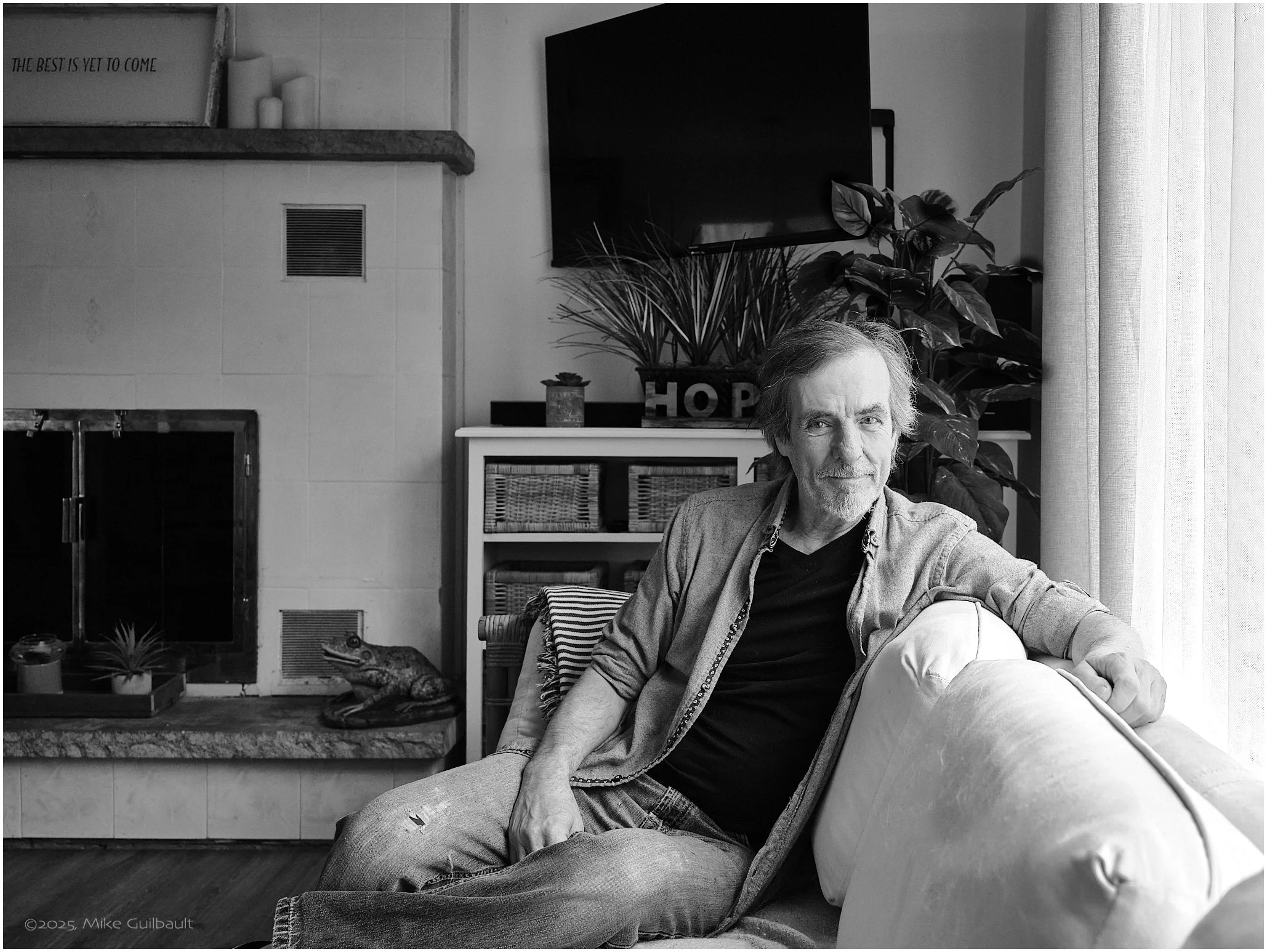
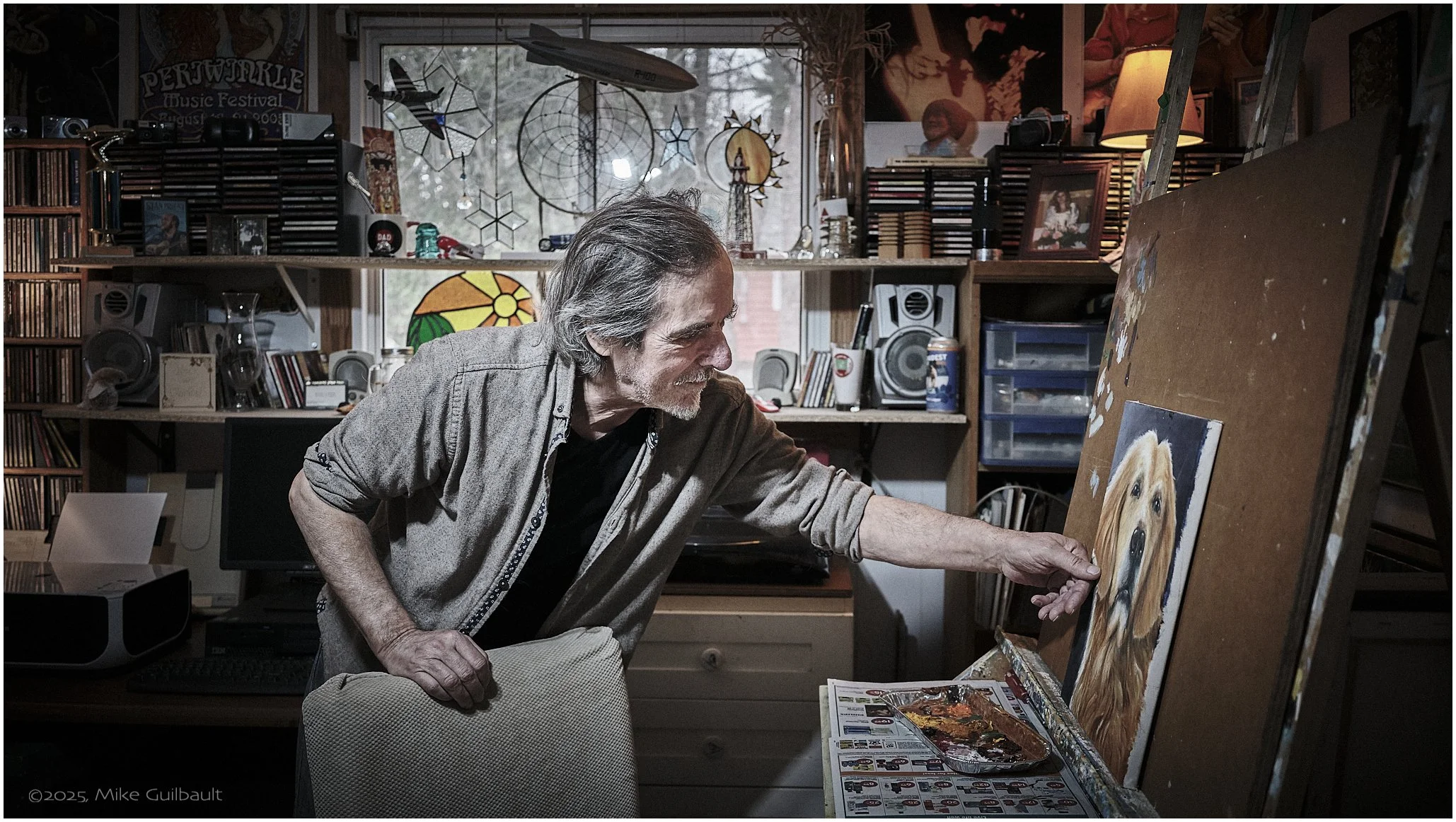
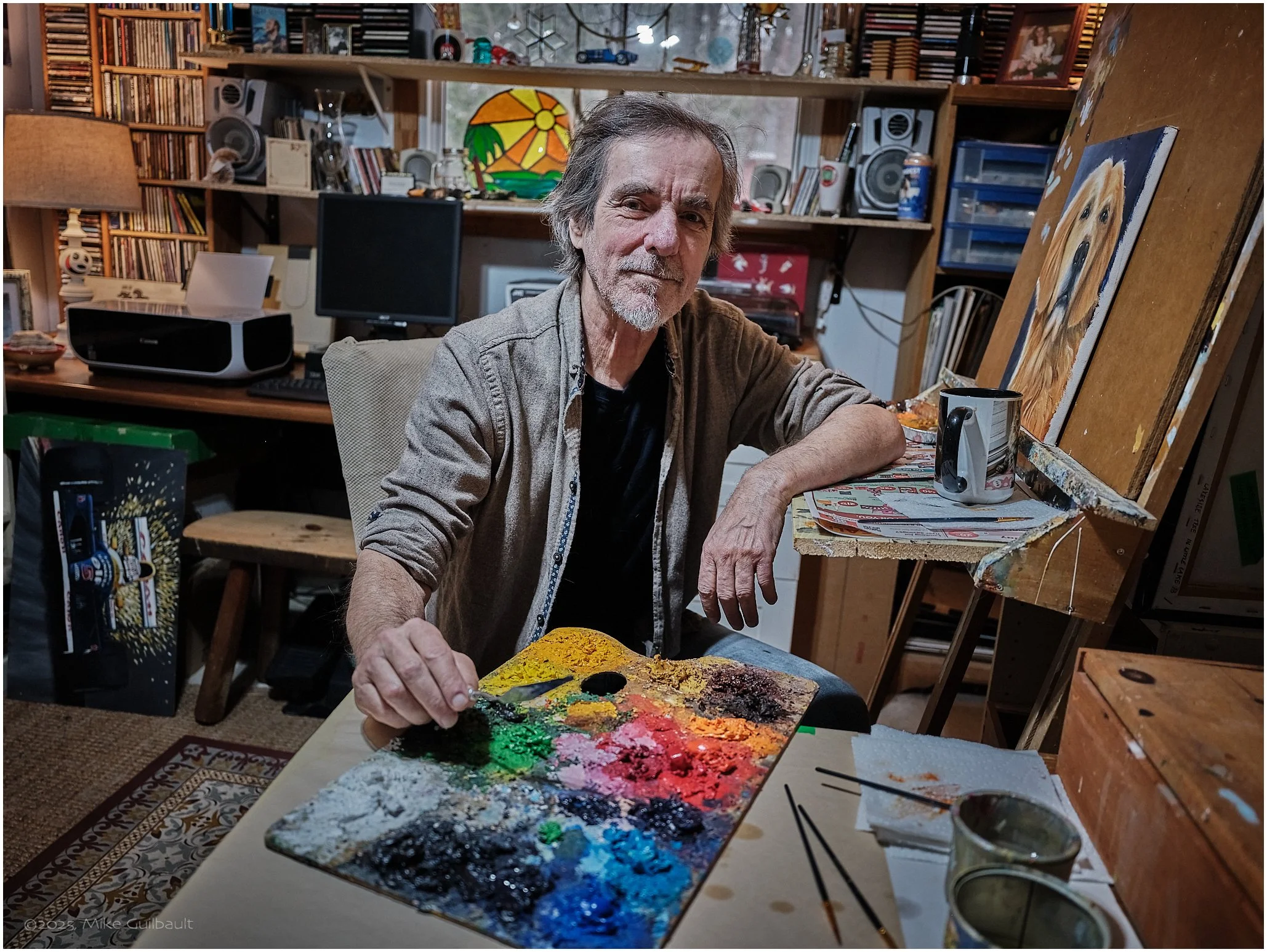
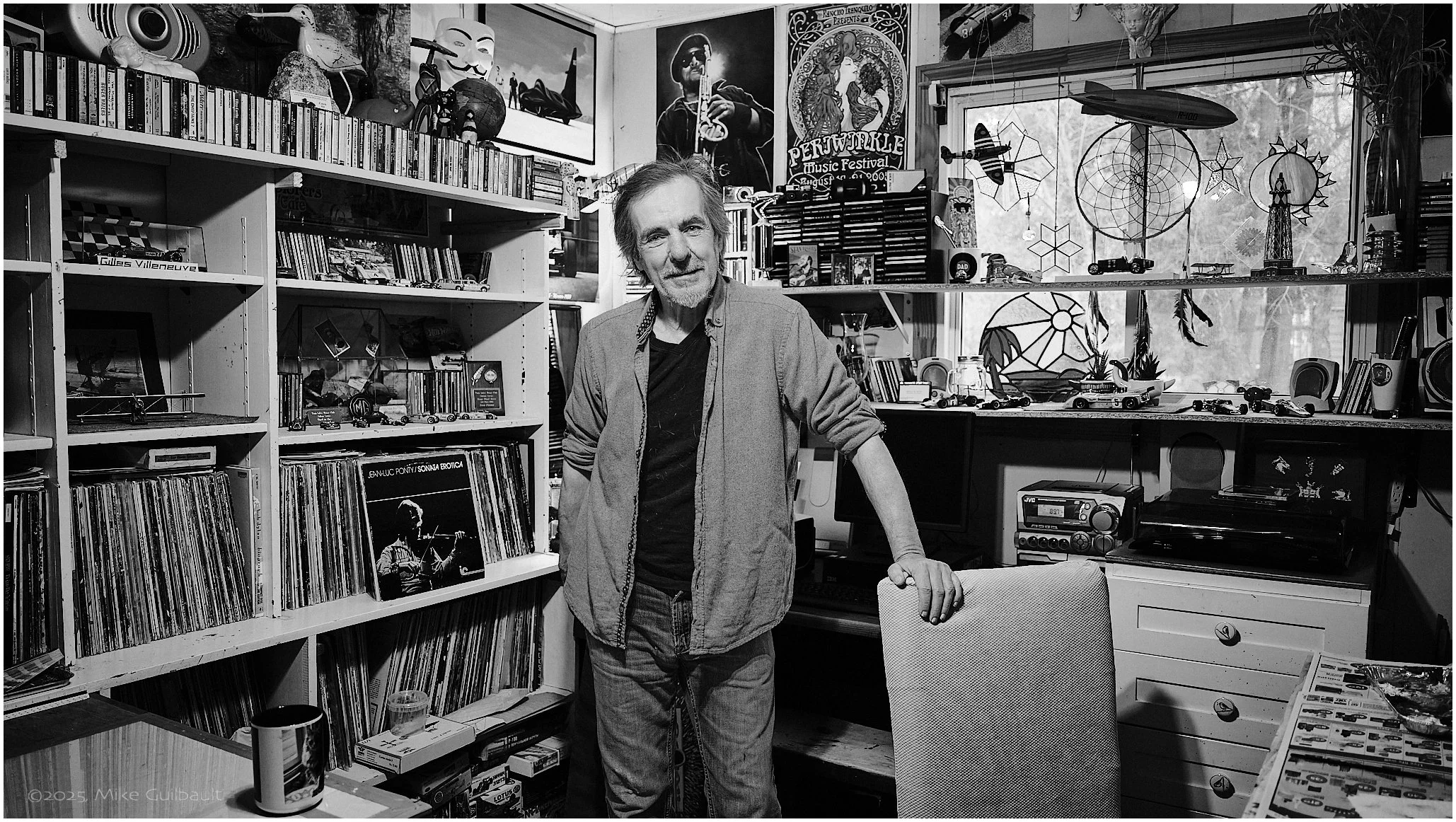
I met Don several years ago when we were both exhibiting in The Bay Studio Tour. Since that time, Don and his lovely wife, Mara, have become wonderful friends. My first chance to photograph Don was alongside his son, Matt, for a magazine I was publishing called Neighbours in the Heart of Tiny, back in 2018. A few of those images from that session are also included in the gallery here.

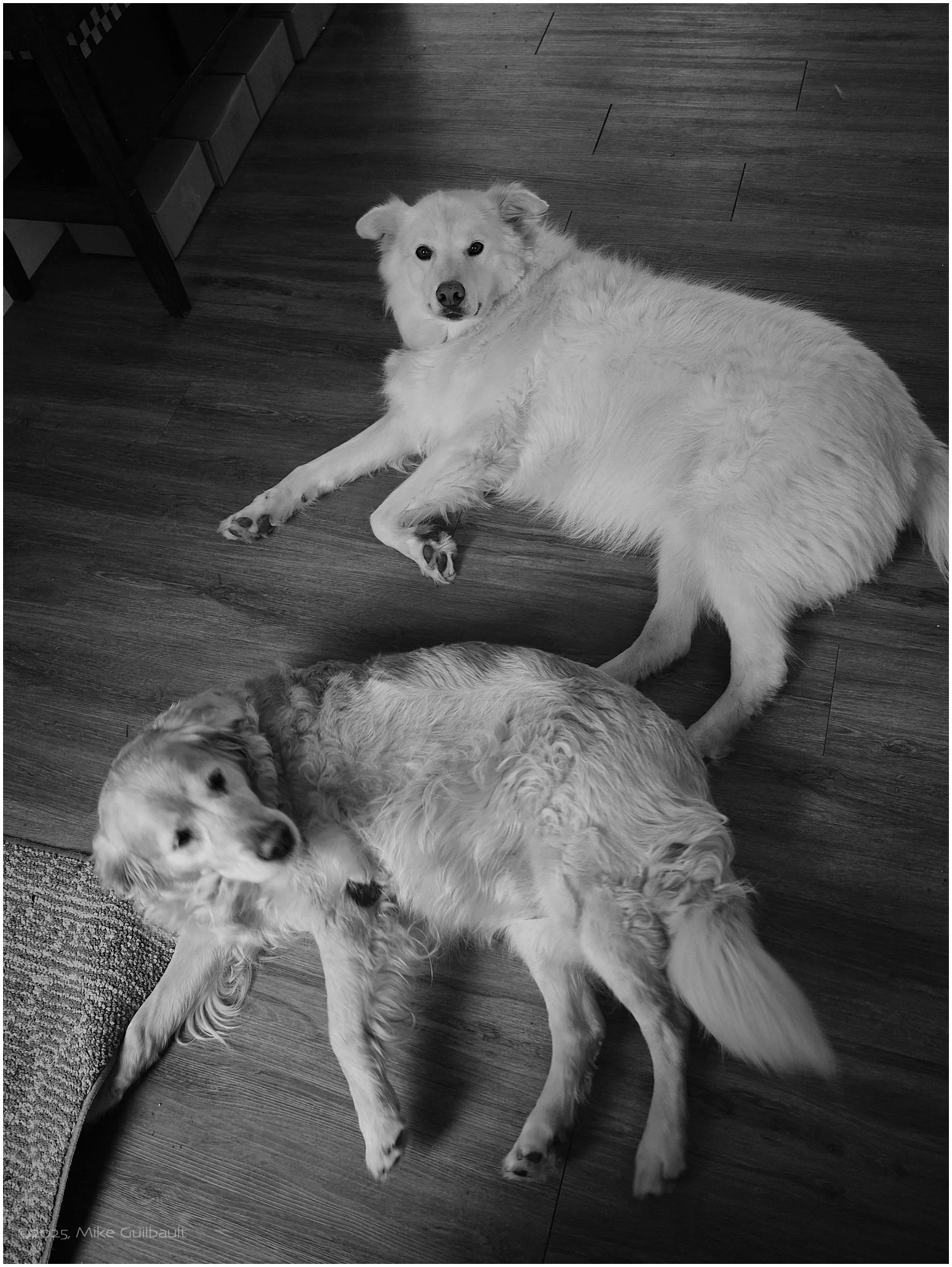
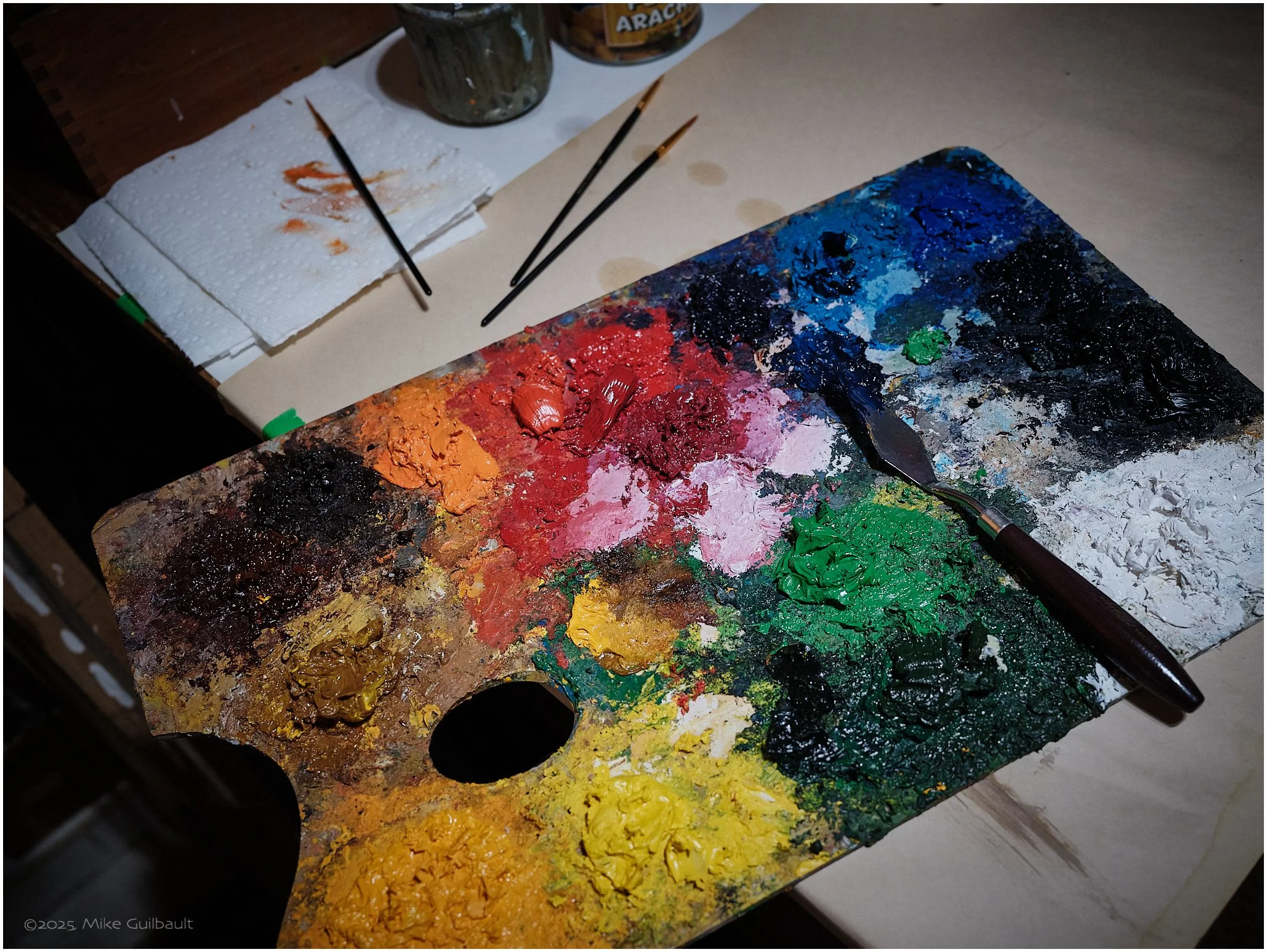
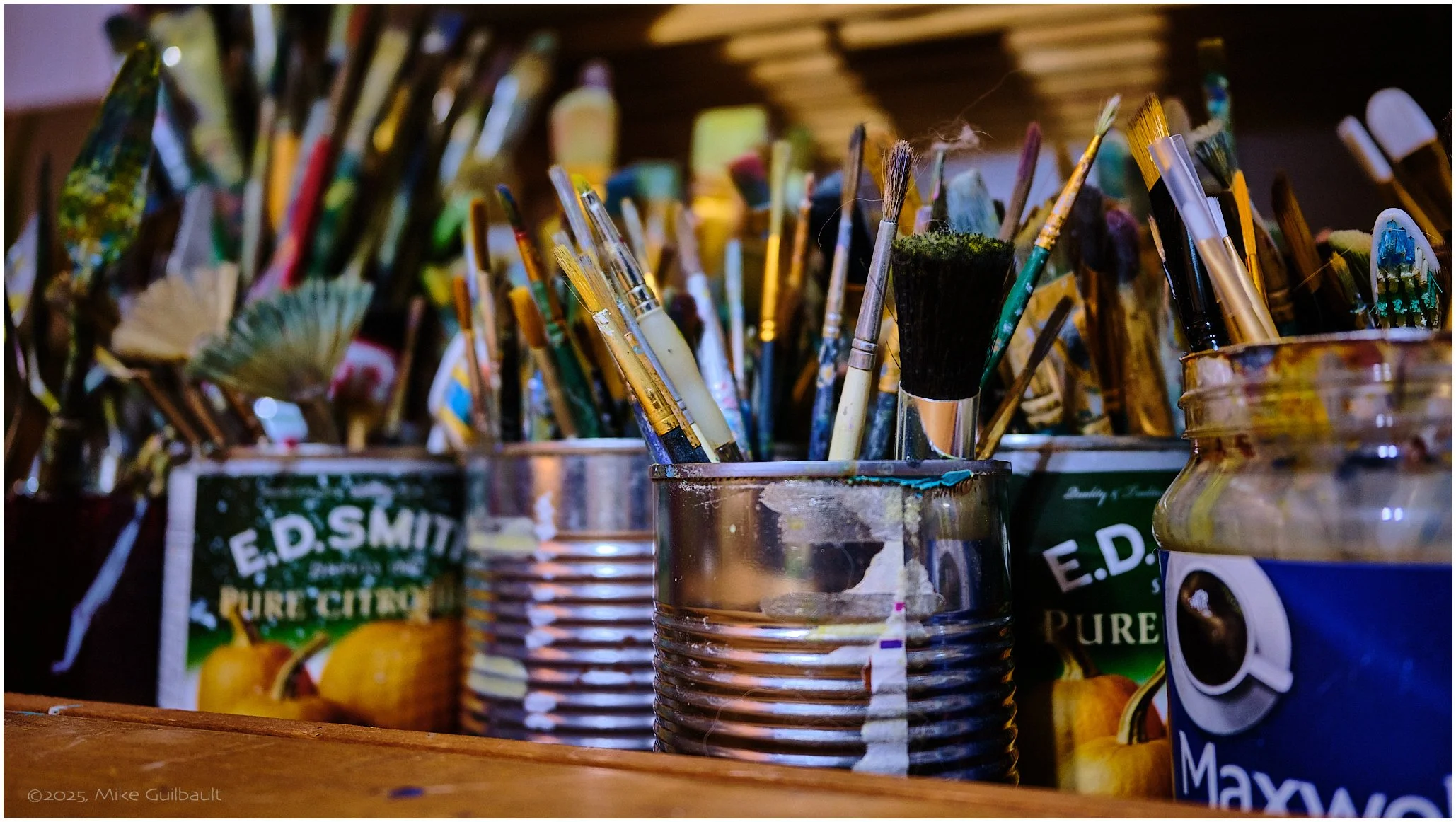
Don’s studio is richly packed with a fascinating collection of memorabilia, ranging from unique art pieces and vintage cameras to a vast array of vinyl LPs accompanied by a classic record player. It also features intriguing historical items related to auto racing, WWII, and various other genres. You could easily spend hours in there just exploring the impressive assortment and listening to Don’s captivating stories about each and every item on display. Throughout our visit we were joined by the couple’s two charming rescue dogs, Woody and Joni. Can you guess the legendary musicians after whom they were named?

Don lives and works from his cozy home located just steps away from the serene Georgian Bay, nestled along the beautiful Tiny Beaches area, not far from Midland, Ontario. You can view a selection of Don’s remarkable work and reach out to him through his Facebook page at https://www.facebook.com/donald.pettit.756833.